

Async/Await in JavaScript: Writing Cleaner Asynchronous Code
When Asynchronous Code Stops Feeling Simple
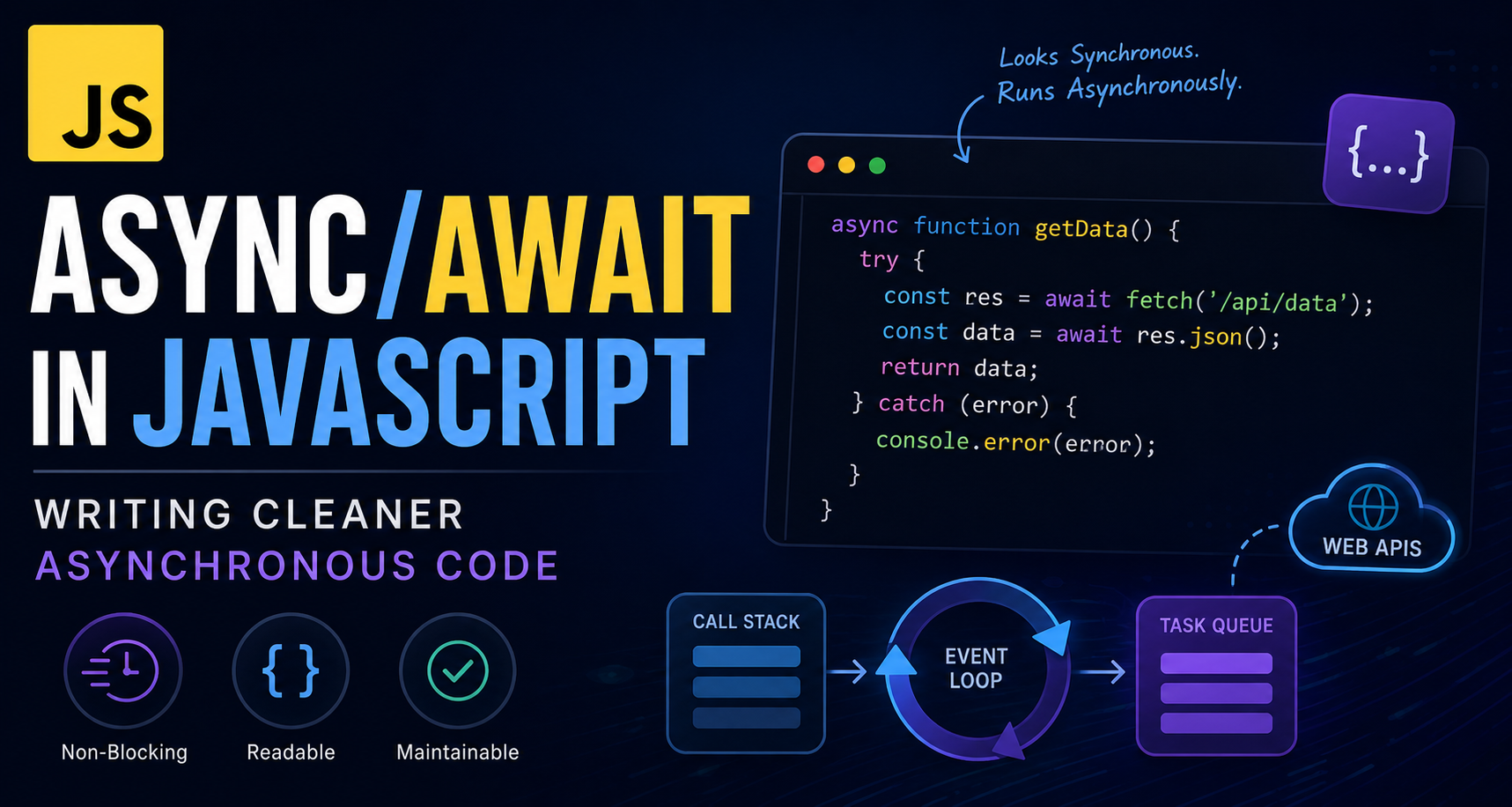
In the previous blog, you saw how JavaScript handles asynchronous operations. It doesn’t wait. It moves forward and comes back later.
That idea solves one major problem: blocking.
But it quietly introduces another.
As applications grow, asynchronous code begins to lose its clarity. What starts as a simple flow slowly turns into something you have to trace instead of read. You’re no longer just following code — you’re mentally reconstructing it.
And that’s where things start to slow down.
The Limitation of Promises
Promises were a big step forward. They cleaned up the chaos of callbacks and gave structure to asynchronous code.
But structure alone wasn’t enough.
fetch("https://api.example.com/data")
  .then(res => res.json())
  .then(data => {
    return fetch(`https://api.example.com/user/${data.id}`);
  })
  .then(res => res.json())
  .then(user => console.log(user))
  .catch(err => console.log(err));
This code works exactly as expected. But reading it requires effort.
Each .then() adds another layer. Each step depends on the previous one, yet the overall flow is not immediately visible. You have to follow each piece carefully to understand what is happening.
As this logic grows, that effort increases.
Bringing Back a Natural Flow
Async/await was introduced to solve this exact problem — not by changing how JavaScript works, but by changing how you express asynchronous logic.
Instead of chaining multiple steps, it allows you to write them in a straight, top-to-bottom flow.
async function getUser() {
  const res = await fetch("https://api.example.com/data");
  const data = await res.json();

  const userRes = await fetch(`https://api.example.com/user/${data.id}`);
  const user = await userRes.json();

  console.log(user);
}
Now the sequence is obvious. First fetch the data, then extract it, then use it to fetch the user.
The code reads the same way you would explain it.
What Actually Changes with async
At first glance, the async keyword seems small. But it changes how the function behaves in an important way.
An async function always returns a promise, even if you return a simple value.
async function example() {
  return "Hello";
}
Behind the scenes, JavaScript wraps this in a resolved promise.
The Moment await Changes Everything
The real shift happens with the await keyword.
When JavaScript encounters await, it pauses the execution of that specific function until the promise resolves. Not the entire program — just that function.
async function getData() {
  console.log("Fetching...");

  const response = await fetch("https://api.example.com/data");
  const data = await response.json();

  console.log(data);
}
From the outside, nothing is blocked. The application continues running normally. Only this function waits.
This creates the feeling of synchronous execution without actually blocking the thread.
Error Handling Feels Natural Again
One of the biggest improvements comes in how errors are handled.
With promises, error handling is separated using .catch(). With async/await, it becomes part of the natural control flow.
async function fetchData() {
  try {
    const res = await fetch("https://api.example.com/data");
    const data = await res.json();

    console.log(data);
  } catch (error) {
    console.log("Something went wrong:", error);
  }
}
This makes the code easier to read and easier to debug.
What Async/Await Really Is
Async/await does not replace promises. It builds on top of them.
Under the hood, everything is still promise-based. The event loop continues to work the same way.
What changes is how you write the code.
Async/await removes visual complexity and lets you focus on the logic itself, rather than the structure used to manage it.
When It Finally Clicks
Once you start using async/await, asynchronous code stops feeling like a special case.
It starts to feel like normal code again.
You read it from top to bottom. You understand it without effort. You debug it without confusion.
And that’s when JavaScript starts to feel predictable again.
Final Thoughts
Async/await doesn’t change how JavaScript works behind the scenes. It changes how you write asynchronous code.
It takes something that is naturally complex and presents it in a way that feels simple, readable, and predictable. Instead of jumping between chained callbacks, you can follow the flow from top to bottom without losing context.
And that shift matters more than it seems.
Because as your applications grow, clarity becomes more important than cleverness. Code that is easy to read is easier to debug, easier to maintain, and easier to build on.
Async/await doesn’t make asynchronous JavaScript different.
It makes it manageable.
And once that clicks, you stop fighting the language and start using it the way it was meant to be used.


