

Callbacks in JavaScript: Why They Exist
Understanding how JavaScript controls execution timing using callbacks and why it matters for asynchronous code
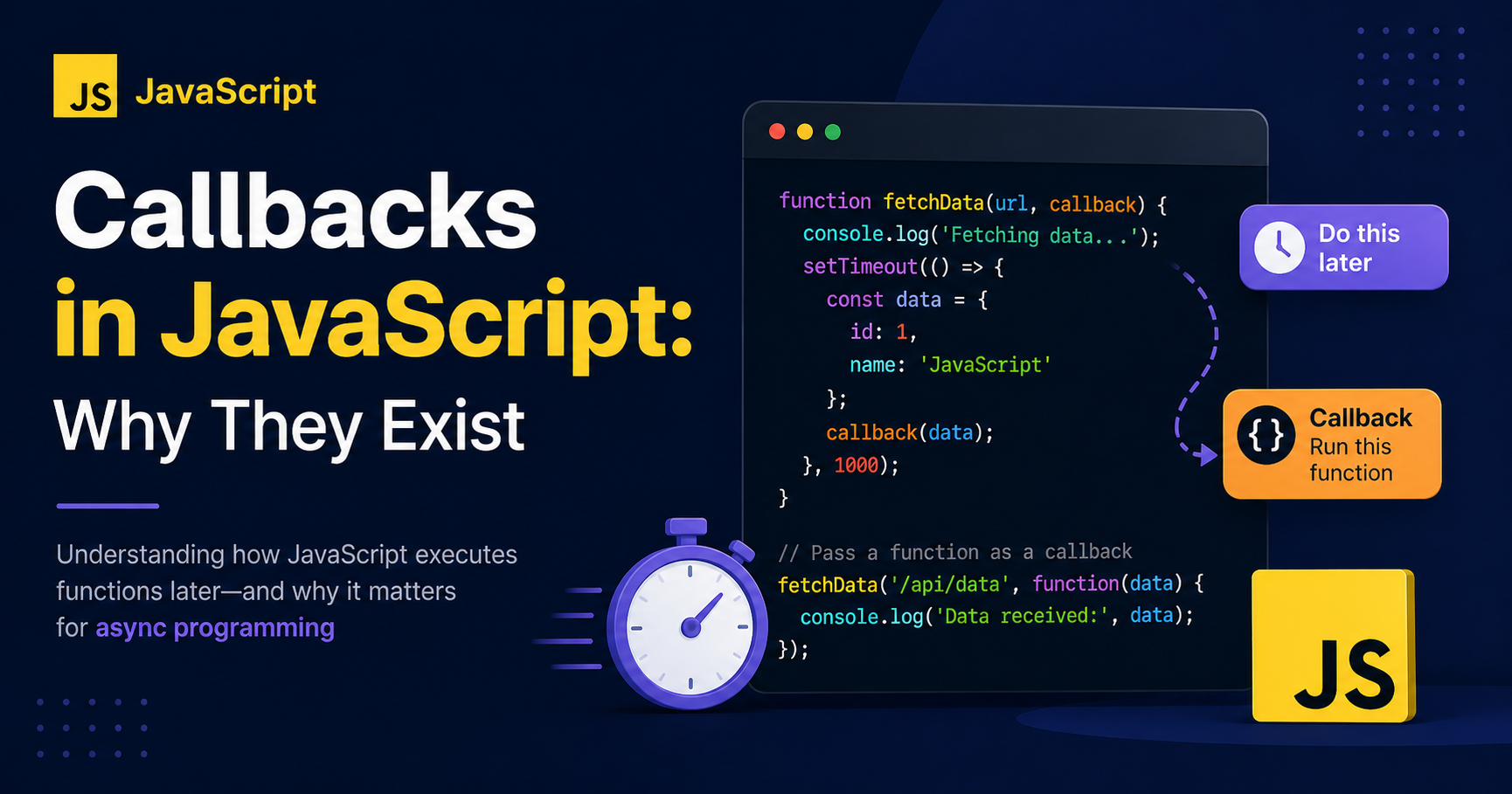
Introduction
At some point in your JavaScript journey, you encounter callbacks, and things suddenly stop feeling straightforward. Instead of writing code that runs line by line, you start passing functions into other functions. It feels unusual at first, almost like you’re overcomplicating something simple.
But callbacks are not a hack or a workaround. They exist because JavaScript needs a way to control when code runs, not just what runs. Once you understand that idea, callbacks stop feeling confusing and start feeling powerful.
Functions Are Values in JavaScript
Everything begins with a simple but important idea: in JavaScript, functions are values.
That means a function is not just something you call. It can be stored in a variable, passed into another function, or even returned from one.
function greet() {
  console.log("Hello!");
}

const sayHello = greet;

sayHello();
Here, the function is treated just like data. This flexibility is what allows JavaScript to pass behavior around, not just values.
What is a Callback Function?
A callback is a function that is passed into another function and executed later.
The key detail is timing. The function is not executed where it is defined, but where it is needed.
function processUserInput(name, callback) {
  console.log("Processing user...");
  callback(name);
}

function greetUser(name) {
  console.log(`Hello, ${name}`);
}

processUserInput("Dnano", greetUser);
In this example, the second function is handed over and executed inside the first one. The control of execution shifts from the caller to the receiver.
Why Do Callbacks Exist?
JavaScript runs on a single thread, which means it can only execute one operation at a time. In a simple script, that’s fine. But real applications deal with tasks that take time, such as waiting for data from a server or responding to user interactions.
If JavaScript stopped everything and waited for these tasks to finish, the application would freeze. The interface would become unresponsive, and the user experience would collapse.
Callbacks solve this by allowing JavaScript to continue executing other code while waiting. Instead of blocking execution, JavaScript schedules a function to run later, once the task is complete.
console.log("Start");

setTimeout(() => {
  console.log("This runs later");
}, 2000);

console.log("End");
The important thing to notice is that the delayed function does not interrupt the flow. JavaScript moves forward and only comes back to execute the callback when the time is right.
Passing Functions as Arguments
At the core of callbacks is the ability to pass functions as arguments. This allows one function to define behavior while another function decides when to execute it.
function calculate(a, b, operation) {
  return operation(a, b);
}

function multiply(x, y) {
  return x * y;
}

console.log(calculate(4, 5, multiply));
This approach removes rigidity from your code. Instead of hardcoding logic, you make your functions adaptable by letting them receive behavior from the outside.
Where Callbacks Show Up in Real Code
Callbacks are not just a theoretical concept. They appear naturally in everyday JavaScript usage.
When a user clicks a button, a function runs in response to that event. That function is a callback. When you use methods like map or filter, the function you provide is a callback that defines how each element should be processed. When you use timers like setTimeout, the function you pass is executed after a delay.
Even when working with data fetching, callbacks were historically used to handle results once they arrived. The pattern is consistent across all these cases: a function is given to another system, and that system decides when to execute it.
The Problem with Callback Nesting
Callbacks work well when used in isolation, but things start to break down when multiple asynchronous operations depend on each other.
In such cases, callbacks begin to nest inside one another, forming deeply indented structures that are hard to follow.
setTimeout(() => {
  console.log("Step 1");

  setTimeout(() => {
    console.log("Step 2");

    setTimeout(() => {
      console.log("Step 3");
    }, 1000);

  }, 1000);

}, 1000);
The code still works, but readability suffers. As the number of nested layers increases, understanding the flow becomes difficult. Debugging becomes slower, and maintaining the code becomes frustrating.
This pattern is commonly referred to as callback hell, not because callbacks are inherently bad, but because their structure does not scale well for complex sequences of dependent tasks.
Why This Problem Matters
As applications grow, the need for clearer structure becomes more important. Developers needed a way to write asynchronous code that looks more like normal, sequential logic.
This led to the introduction of Promises and later async/await. These abstractions improve readability and reduce nesting, but they do not replace callbacks entirely. Under the hood, callbacks are still doing the work.
Understanding callbacks means understanding the foundation of asynchronous JavaScript.
Final Thoughts
Callbacks introduce a shift in thinking. Instead of writing code that runs immediately, you start writing code that runs at the right time.
That shift is what allows JavaScript to handle real-world complexity without freezing or blocking execution.
Once you get comfortable with callbacks, concepts like Promises and async/await stop feeling magical and start feeling like natural improvements.


