

JavaScript Modules: Import and Export Explained
How modern JavaScript applications stay organized, scalable, and maintainable
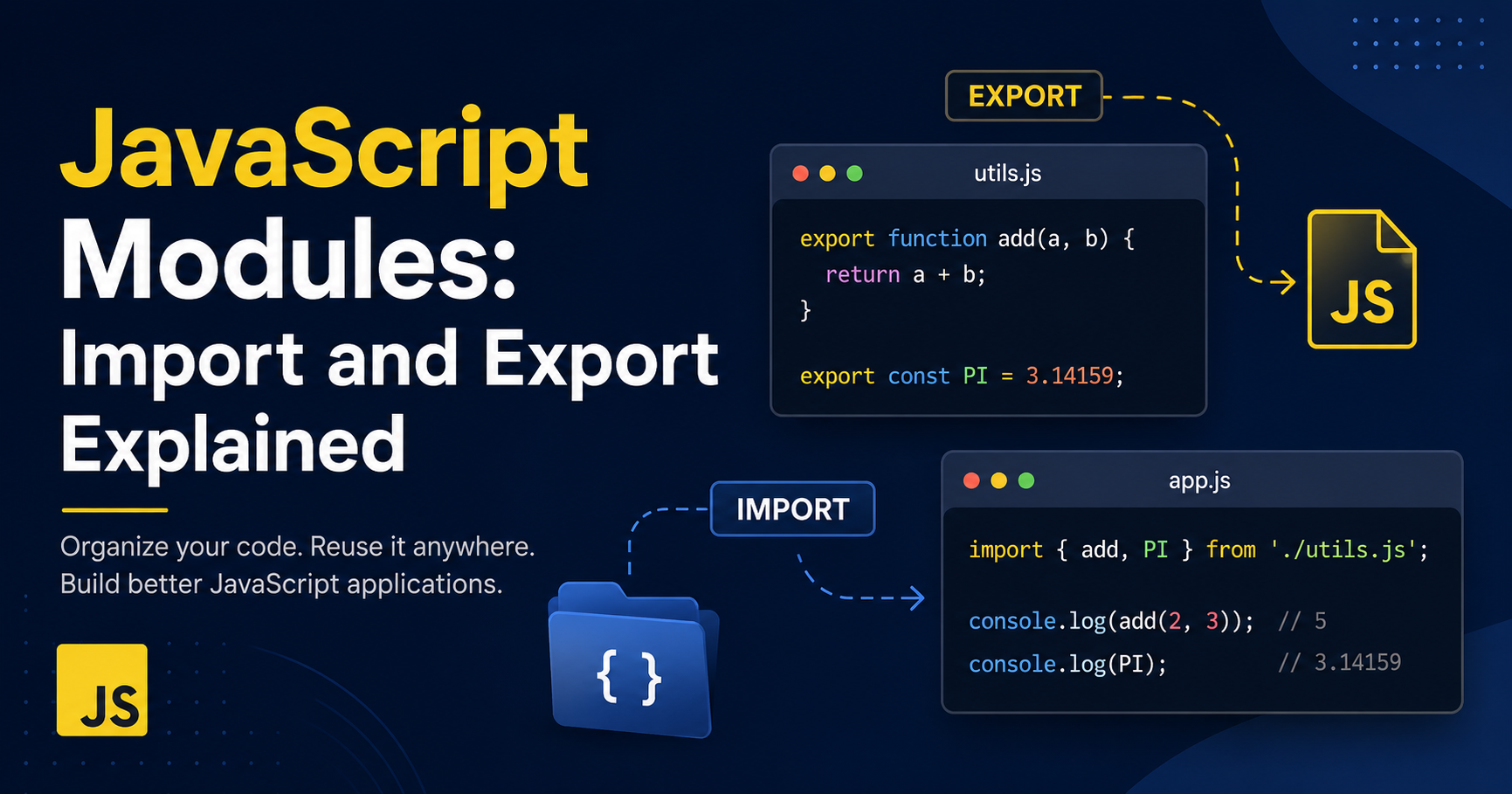
Every beginner eventually creates that one JavaScript file.
You know the one.
The file that starts small and innocent:
function login() {}
Then grows into this:
function login() {}
function logout() {}
function fetchProducts() {}
function addToCart() {}
function removeFromCart() {}
function processPayment() {}
function validateCoupon() {}
function renderUI() {}
And somehow… everything still lives inside:
app.js
At first it feels manageable.
Then the project grows.
Suddenly the file becomes thousands of lines long. Scrolling becomes endless. Finding bugs becomes painful. And changing one piece of code somehow breaks three unrelated features.
Welcome to the reason JavaScript modules exist.
Modules solve one of the biggest problems in programming:
How do we organize growing applications without turning them into complete chaos?
And honestly, once you start building larger projects, modules stop feeling like a fancy feature.
They become necessary.
Before Modules, JavaScript Was Messy
Modern JavaScript developers are lucky.
Before modules existed, developers often loaded multiple JavaScript files directly into HTML.
<script src="auth.js"></script>
<script src="cart.js"></script>
<script src="payment.js"></script>
Sounds fine.
Until different files started creating variables with the same name.
Imagine this inside auth.js:
const user = "Batman";
And then another developer writes this inside cart.js:
const user = "Superman";
Now both scripts are fighting in the global scope.
One file accidentally overwrites another.
Congratulations. Your application now has emotional identity issues.
This problem is called:
Global Scope Pollution
Without proper separation, JavaScript files could interfere with each other.
Large applications became harder to maintain because everything was connected in weird ways.
Developers needed a cleaner system.
That system became:
JavaScript Modules
What is a JavaScript Module?
A module is simply a JavaScript file with its own private scope.
It can:
Export code to share with other files
Import code from other files
That’s it.
But this small idea completely changed how modern JavaScript applications are built.
Instead of throwing everything into one giant file, we split responsibilities.
Like this:
auth.js
cart.js
payment.js
utils.js
main.js
Each file focuses on one job.
Cleaner structure. Cleaner logic. Cleaner debugging. Less suffering.
Massive upgrade.
Understanding Export
Imagine you have a function inside a file.
// math.js

function add(a, b) {
  return a + b;
}
Right now, this function only exists inside math.js.
Other files cannot use it.
To share it, we export it.
// math.js

export function add(a, b) {
  return a + b;
}
That single keyword:
export
Makes the function available to other modules.
Think of it like putting code on display for the rest of the application.
Importing Modules
Once something is exported, another file can import it.
// app.js

import { add } from "./math.js";

console.log(add(2, 3));
Output:
5
Now app.js can use functionality from another file.
This is the foundation of modular programming.
One file creates logic. Another file uses it.
Simple idea. Huge impact.
Why This Matters So Much
Without modules, developers constantly repeat code.
Or worse…
They keep stuffing everything into gigantic files.
Modules allow applications to grow in an organized way.
For example:
api.js
Handles API requests.
export async function fetchProducts() {}
ui.js
Handles rendering.
export function renderProducts() {}
storage.js
Handles local storage.
export function saveCart() {}
main.js
Connects everything together.
import { fetchProducts } from "./api.js";
import { renderProducts } from "./ui.js";
import { saveCart } from "./storage.js";
Instead of one giant file doing everything, responsibilities are separated properly.
That is how real-world applications stay maintainable.
Named Exports
Earlier we exported the add function like this:
export function add(a, b) {}
This is called a named export.
Because the export has a specific name.
You can export multiple things from the same file.
// utils.js

export function greet() {
  console.log("Hello");
}

export function formatCurrency(amount) {
  return `$${amount}`;
}

export const version = "1.0";
And import only what you need.
import { greet, version } from "./utils.js";
That flexibility is extremely useful.
Especially in larger projects.
Default Exports
Sometimes a file mainly provides one thing.
In those situations, JavaScript allows default exports.
// logger.js

export default function log(message) {
  console.log(message);
}
Importing looks different.
import log from "./logger.js";
Notice something important?
No curly braces.
That is the main difference between default and named exports.
Default vs Named Exports
This confuses almost every beginner initially.
So let’s simplify it.
Named Export
export function login() {}
Import:
import { login } from "./auth.js";
Curly braces required.
Default Export
export default function login() {}
Import:
import login from "./auth.js";
No curly braces.
So Which One Should You Use?
In modern development:
Named exports are commonly preferred for utility functions and shared helpers
Default exports are often used when a file has one main responsibility
For example:
Button.jsx
Usually exports one main component.
So default export makes sense.
But a utility file containing many functions usually uses named exports.
There is no universal rule.
But understanding both is important because every real project uses them.
Modules Make Debugging Easier
Imagine an application without modules.
A payment bug happens.
Now you search through a massive file containing:
login logic
theme switching
notifications
cart features
API requests
animations
payments
Pure chaos.
With modules, the problem becomes smaller.
Payment issue?
Check:
payment.js
Authentication issue?
Check:
auth.js
Modules reduce mental overload.
That matters far more than beginners realize.
Modules Encourage Reusability
Another huge advantage is reuse.
Once functionality is separated properly, it becomes easy to use across multiple parts of the application.
For example:
// utils.js

export function capitalize(word) {
  return word[0].toUpperCase() + word.slice(1);
}
Now this function can be reused anywhere.
import { capitalize } from "./utils.js";
Instead of rewriting the same logic repeatedly.
Cleaner codebase. Fewer bugs. Better consistency.
A Very Common Beginner Mistake
One of the first errors beginners hit is forgetting file extensions.
import { add } from "./math.js";
That .js matters.
Another common mistake is mixing default and named imports.
This will fail:
import add from "./math.js";
If the export was:
export function add() {}
Because named exports require curly braces.
These small mistakes confuse almost everyone initially.
Completely normal.
Using Modules in the Browser
To use modules directly in HTML:
<script type="module" src="app.js"></script>
That:
type="module"
Tells the browser to treat the file as a JavaScript module.
Without it, imports and exports will not work correctly.
Why Modular Thinking Matters
The biggest benefit of modules is not syntax.
It is mindset.
Modules force developers to think in terms of:
responsibilities
separation
structure
scalability
maintainability
And that mindset is what separates tiny practice projects from real applications.
When beginners first learn JavaScript, they usually focus only on making code work.
Professional development is different.
The challenge is making code understandable, maintainable, and scalable.
Modules help solve that problem.
Final Thoughts
JavaScript modules completely transformed modern development.
They gave developers a structured way to organize applications without relying on giant files and messy global variables.
And honestly, once you start building real projects, modular code starts feeling natural very quickly.
Because nobody enjoys opening a 15,000-line JavaScript file trying to figure out why the checkout button suddenly stopped working.
Modules bring order to that chaos.
And that is exactly why import/export syntax became one of the most important features in modern JavaScript.
Not because the syntax is fancy.
But because scalable applications would be painful without it.


