

Template Literals in JavaScript
Ditch the plus signs and backslashes for cleaner, more readable string interpolation.
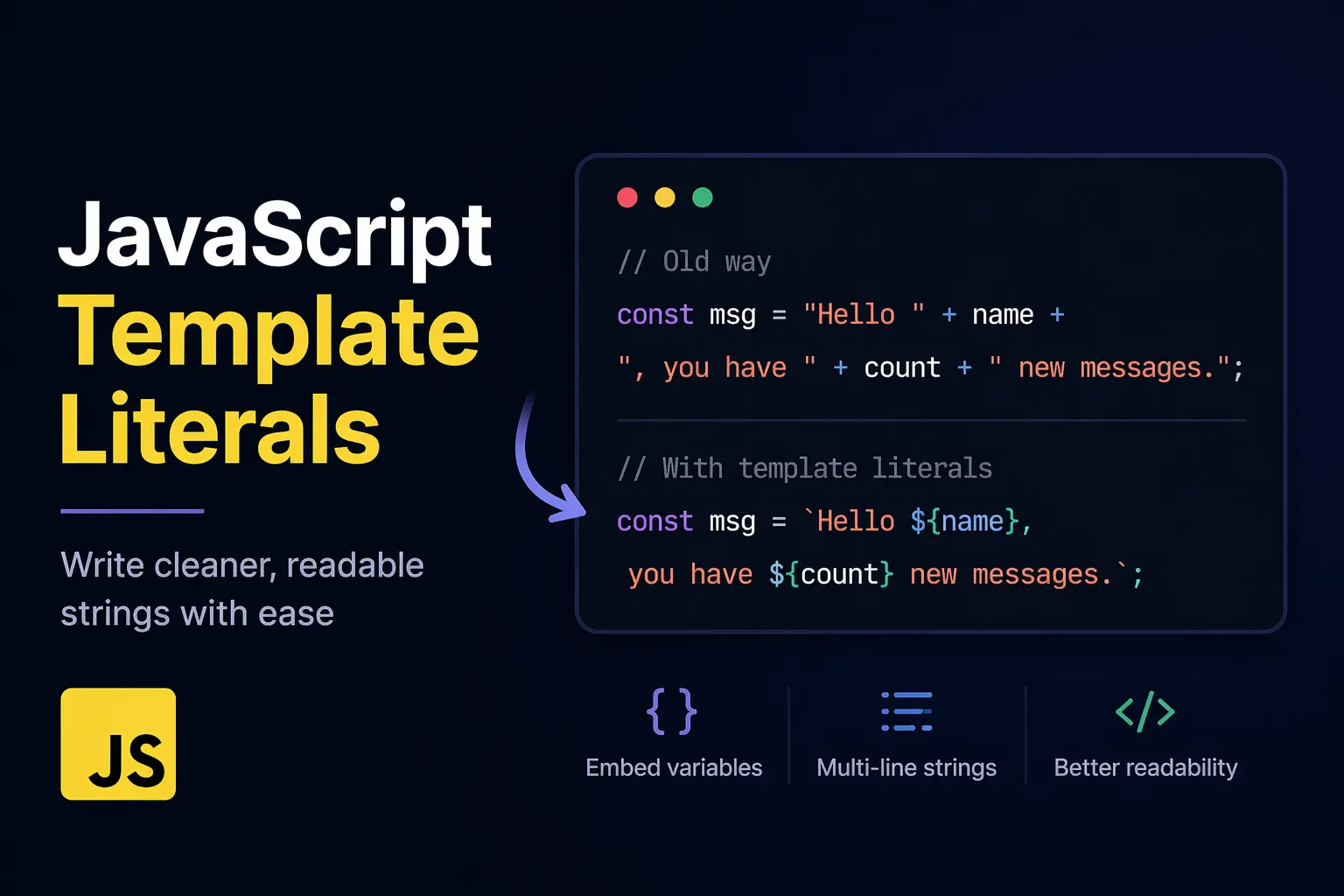
If you've ever spent time looking for a missing + sign or a stray single quote in your JavaScript code, you've faced "Concatenation Chaos." Developers used to depend on traditional string concatenation, but modern JavaScript (ES6+) offers a simpler solution: Template Literals.
The Problem: Traditional String Concatenation
Before Template Literals, joining strings and variables felt like building a house out of toothpicks. You had to use the + operator and be extremely careful with your quotes.
The "Old Way" Headache:
var user = "Dnyaneshwar";
var items = 3;
var total = 45.99;

// Hard to read, easy to break
var message = "Hello " + user + ", you have " + items + " items in your cart. Total: $" + total + ".";
Why it failed us:
Readability: The logic gets buried under a mountain of quotes and plus signs.
Multi-line Mess: Creating multi-line strings required manual newline characters (
\n) or adding a+on every single line.Escaping Characters: Using a contraction like "don't" inside a string wrapped in single quotes meant using messy backslashes (
'don\'t').
The Solution: Template Literal Syntax
Template literals are strings that allow for embedded expressions. They use backticks (`) instead of double or single quotes.
1. Embedding Variables (Interpolation)
Instead of breaking the string to add a variable, you use the ${expression} syntax. JavaScript evaluates whatever is inside the curly braces and drops it right into the string.
const user = "Dnyaneshwar";
const message = `Hello ${user}!`; // "Hello Dnyaneshwar!"
2. Multi-line Strings Made Easy
With template literals, what you see is what you get. If you hit "Enter" in your code editor, that newline is preserved—no extra characters required.
const emailBody = `
  Hi Dnyaneshwar,

  Your order has shipped.
  Thanks for shopping with us!
`;
Readability Comparison: A Real-World Use Case
Generating HTML dynamically is where the difference becomes night and day.
Traditional Concatenation:
const html = '<div class="card">' +
             '<h1>' + title + '</h1>' +
             '<p>' + body + '</p>' +
             '</div>';
Template Literals:
const html = `
  <div class="card">
    <h1>${title}</h1>
    <p>${body}</p>
  </div>
`;
The Verdict: The template literal version looks like actual HTML. It’s easier to debug, easier to write, and much easier for a teammate to understand at a glance.
The Power of Expressions
Template literals are not just for variables. You can run logic directly inside the ${ } braces.
Math:
Total: ${price * quantity}Logic (Ternary):
Status: ${isActive ? 'Online' : 'Offline'}Functions:
Hello, ${formatName(user)}
Example:
const a = 5;
const b = 10;
console.log(`The sum is ${a + b}`); // Output: The sum is 15
Where this is actually useful
In real projects, strings are everywhere. you are building UI messages, logging data, creating dynamic content, working with APIs. In all these places, you often need to combine static text with dynamic values. Template literals make this process smoother.
Summary
Template literals aren't just "syntactic sugar"—they are a fundamental improvement to JavaScript. By switching from + to backticks, you eliminate syntax errors, handle multi-line strings gracefully, and make your code significantly more maintainable.


