

Understanding Network Devices
How the internet actually reaches your system

When we open a website or use an app, we usually don’t think about what’s happening behind the scenes.
We think internet just works and we move on.
But in reality, there are multiple network devices work together. When every time we send or receive data each device have some responsibilities.
In this blog, I’ll explain these devices in a simple way, from my point of view.
so lets get start!
The Big Picture: How the Internet Reaches Your Home
If you type www.chaicode.com, your request not goes direct to a chaicode server. It travels through a chain of network devices.
Before understanding individual devices, it helps to see the full flow.
Laptop / Phone
 → Switch
 → Router
 → Modem
 → ISP
 → Firewall
 → Load Balancer
 → chaicode Server
Each device exists to solve a specific networking problem, These devices exists because one device cannot efficiently handle everything.
I explained overview of each in detail below.
Hub
Main responsibility:
Send data to everyone, without thinking.
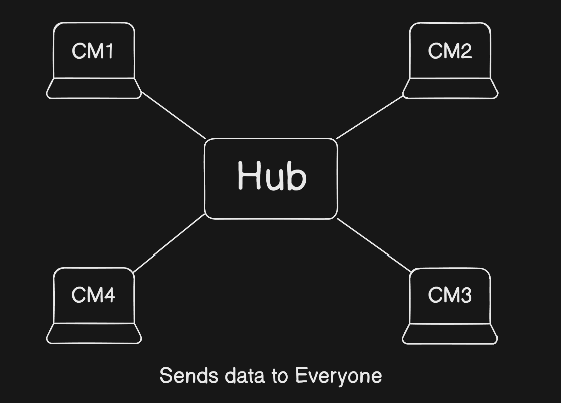
A hub receives data from one device and sends it to all connected devices.
Every device receives the data, but only the intended one uses it.
Real-world analogy
📢 Office announcement system
One announcement, everyone hears it — even if it’s meant for one person.
Why hubs are outdated
Hubs are outdated because they create unnecessary traffic, cause data collisions, are very slow, and lack security.
Switch – The Smart Local Distributor
Main responsibility:
Send data to the correct device inside a local network.
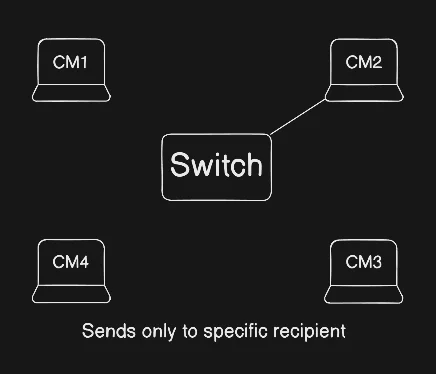
A switch learns which device is connected to which port using MAC addresses.
It then forwards data only to the required device.
Real-world analogy
📮 Post office
Letters are sorted and delivered only to the correct house.
Why switches matter
Faster communication
No unnecessary broadcasting
Multiple devices can communicate at the same time
For developers, this is why local networks feel fast and stable.
Hubs vs. Switches
Hubs are like a loudspeaker broadcasting to everyone in a network, while switches act as private operators sending data only to the intended recipient using MAC addresses.
Router – The Traffic Police
Main responsibility:
Decide where the data should go.
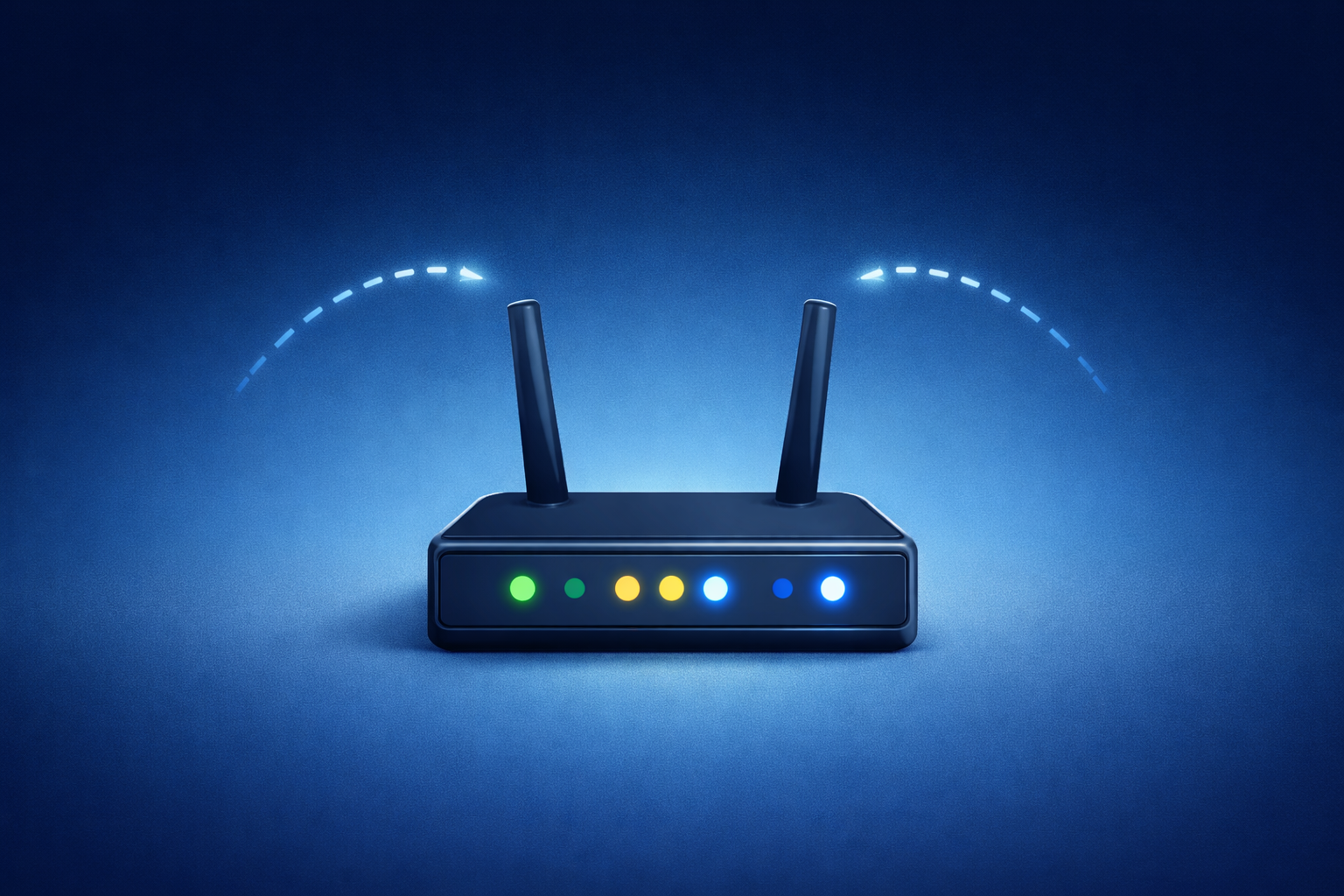
A router connects different networks, mainly your local network and the internet which is comes from modem.
It checks whether data is for local devices or needs to go outside the network
Routers also use NAT, which allows many devices to share one public IP address.
Why routers matter for developers
Many backend problems are actually routing problems, such as Localhost vs production issues, port-related errors, and private vs public IP confusion.
Modem – The Translator
Main responsibility:
Convert data into a format the ISP understands.
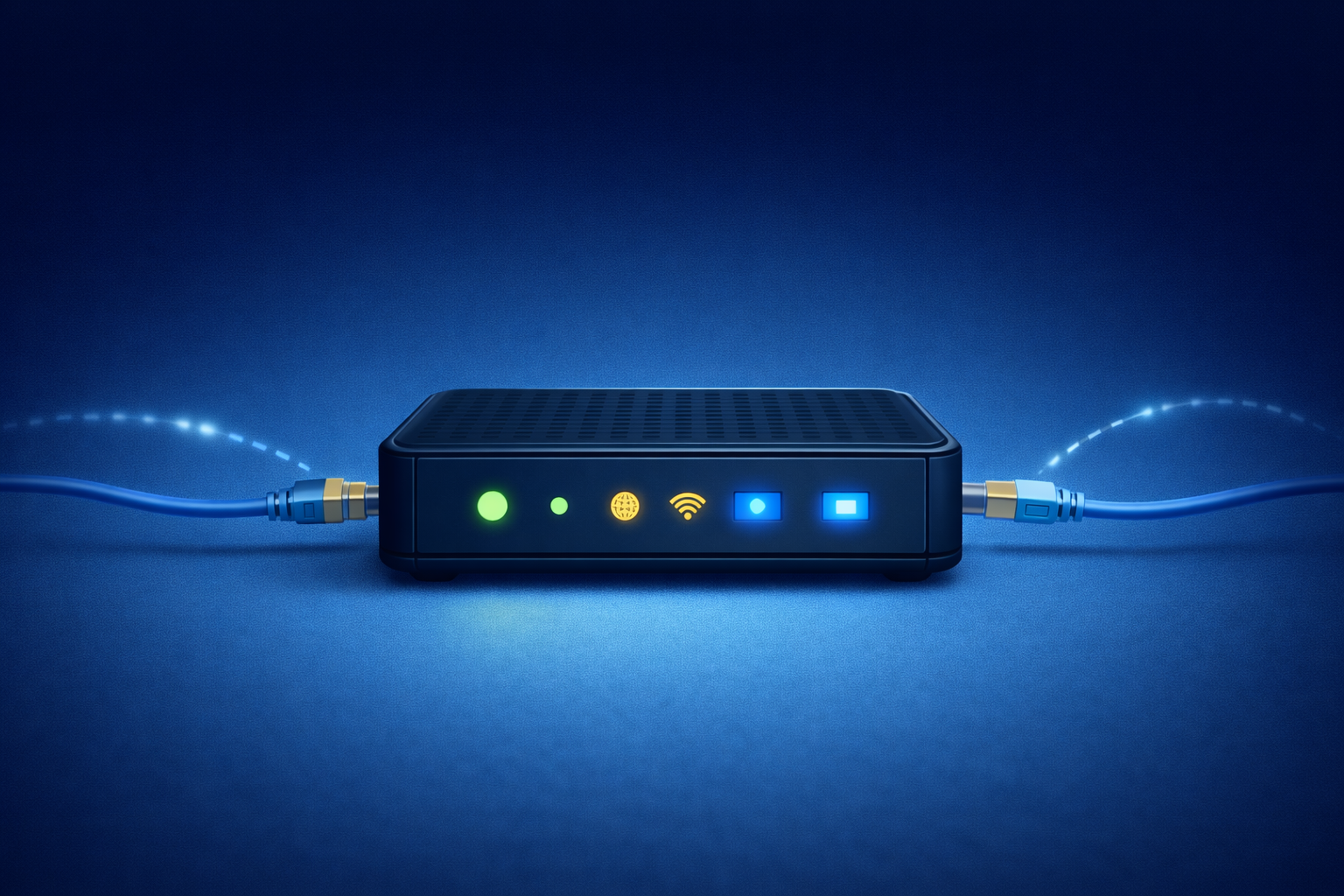
Your computer sends digital data, but ISPs use fiber, cable, or mobile signals.
A modem translates between these formats.
Real-world analogy
🗣️ Language translator
Same message, different language.
Important difference
Router decides direction
Modem handles communication format
That’s why Wi-Fi can work without internet, but internet cannot work without a modem.
Firewall – Where Security Lives
Main responsibility:
Allow safe traffic and block unsafe traffic.
A firewall inspects:
IP address
Port number
Protocol
Connection state
Based on rules, it allows or blocks traffic.
Real-world analogy
🛂 Security gate
Known visitors enter, unknown visitors are blocked.
Why firewalls are critical
Once malicious traffic enters the system, damage is possible.
Firewalls stop problems before applications see them.
Load Balancer – The Scaling Hero
Main responsibility:
Distribute traffic across multiple servers.
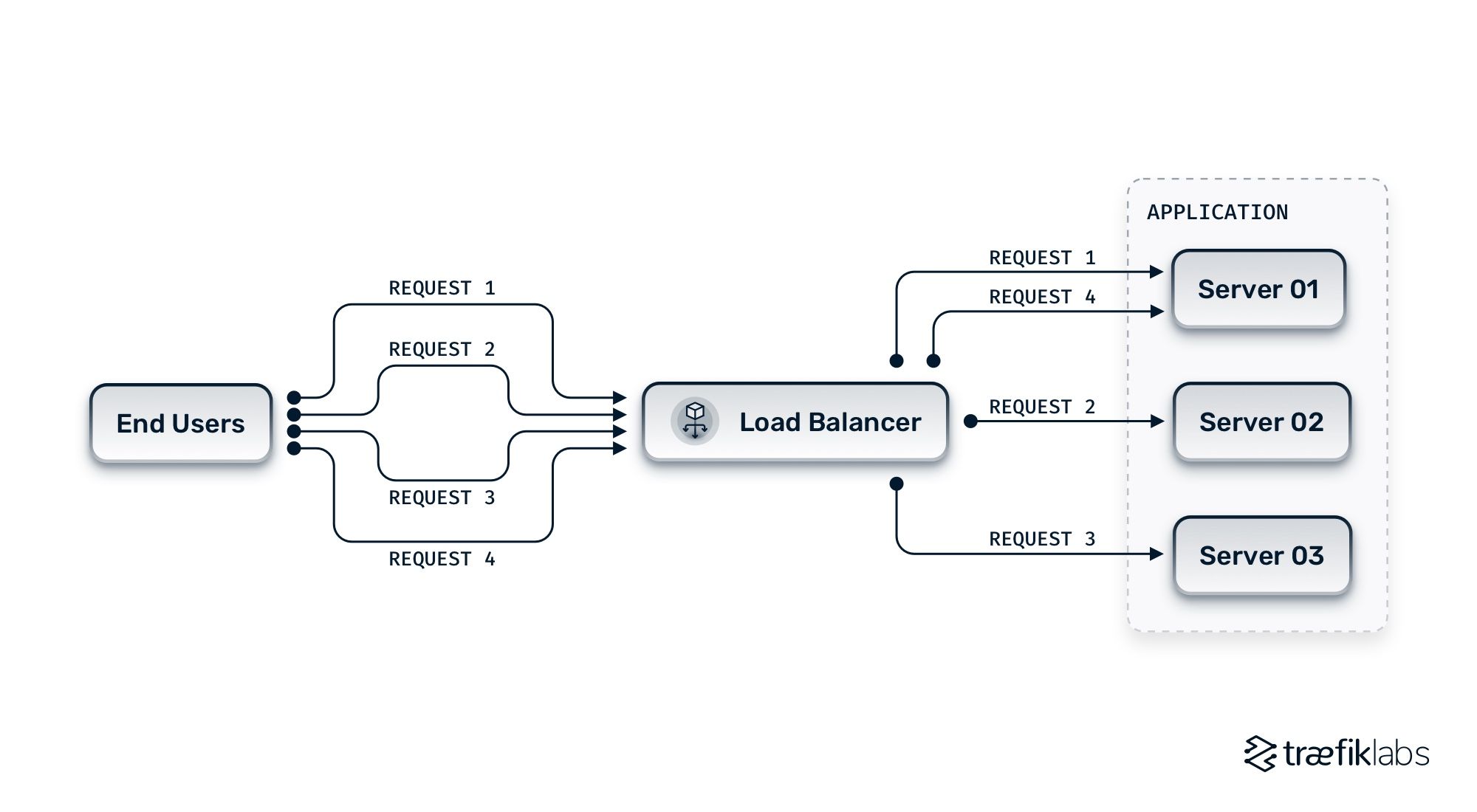
A load balancer sits in front of servers and:
Chooses a healthy server
Distributes traffic evenly
Handles traffic spikes
Real-world analogy
🎟️ Toll booth manager
If one booth is crowded, traffic is redirected to others.
Why scalable systems need load balancers
Load balancers are essential for scalable systems because they prevent server overload, improve performance, enable zero-downtime deployments, and avoid single points of failure.
Why should we care?
I used to think this was just "IT hardware stuff," but as a developer, it matters because:
Deployment: When we move from
localhostto the cloud (AWS or Google Cloud), we’re basically setting up virtual versions of these devices.Security: If you know how a firewall works, you’ll write better code to protect your database.
Debugging: When your app is "down," knowing the path the data takes helps you figure out if it's a code bug or a network hardware issue.
It’s been a wild ride learning how the "digital plumbing" works. It makes me appreciate every successful GET request a little bit more!


