

Understanding Variables and Data Types in JavaScript
JavaScript variables and data types made simple.
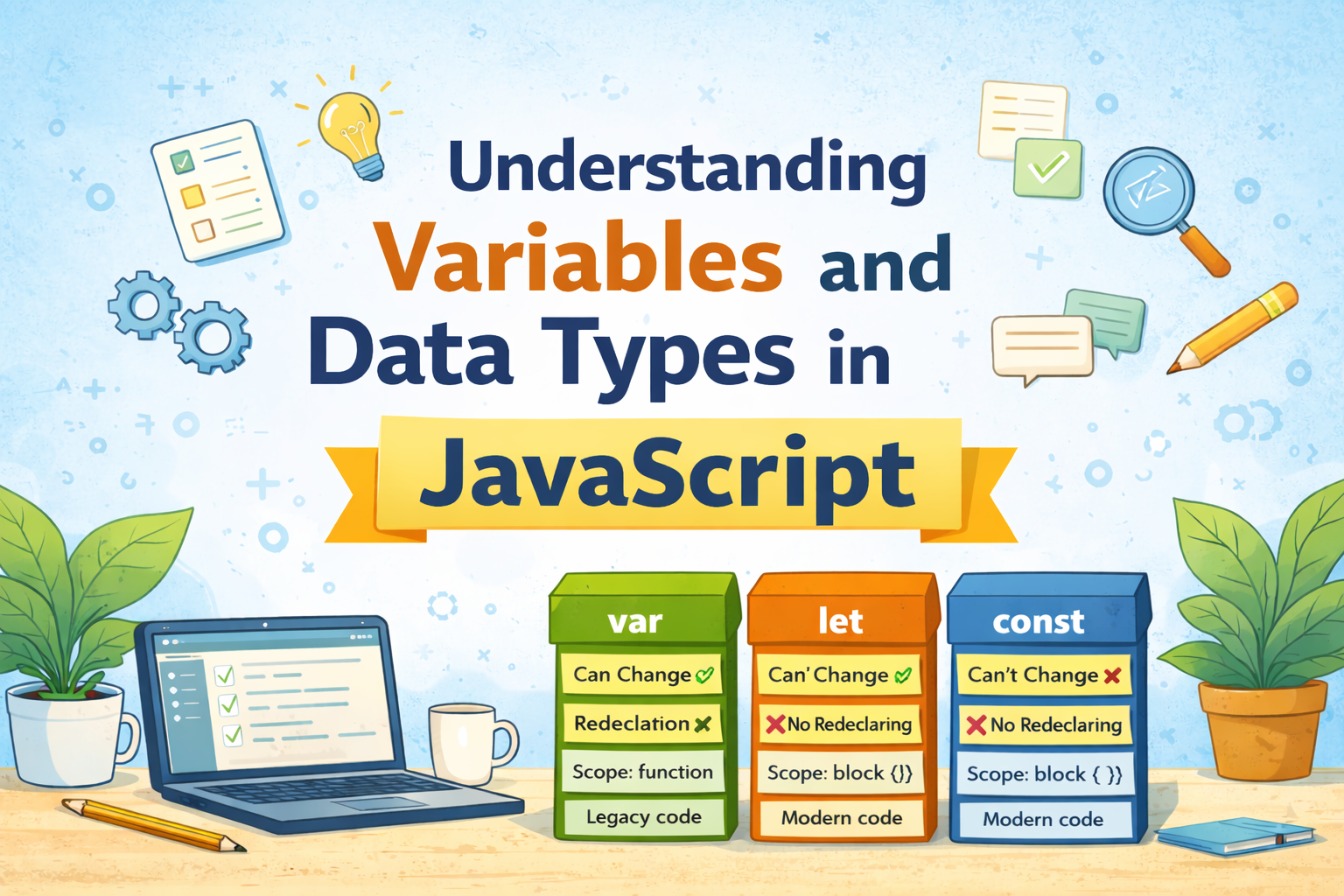
When we start learning JavaScript, one of the first things we need to understand is variables.
Variables are used in almost every program. They help us store information so that the program can use it later.
Let’s understand this step by step in a very simple way.
Think of Variables Like Boxes
Imagine you have a few boxes on your desk.
Each box has a label, and inside the box you store some information.
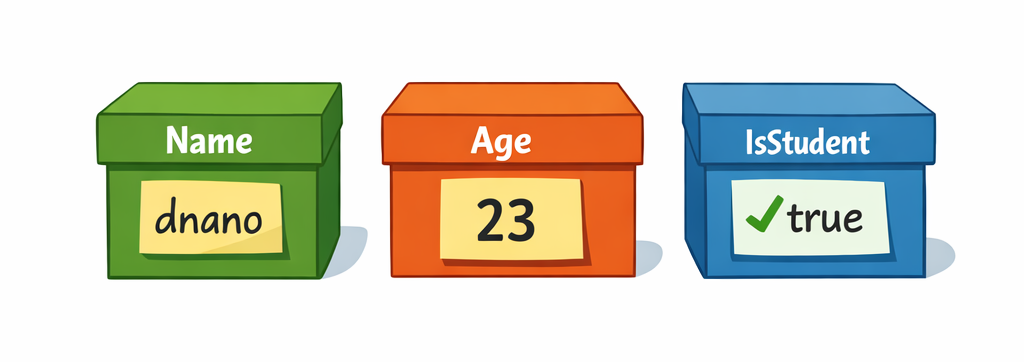
When we write let name = "dnano", JavaScript creates a labeled box called name and stores the value "dnano" inside it.
For example:
Name Box      → "dnano"
Age Box       → 23
IsStudent Box → true
Whenever you need the information, you simply open the box and check what is inside.
In JavaScript, these labeled boxes are called variables.
The label is the variable name, and the content inside the box is the value.
What is a Variable?
A variable is a container that stores data which can be used in a program.
Example:
let name = "dnano";
Here:
name→ variable"dnano"→ value stored inside the variable
We can store many types of values in variables.
How to Declare Variables in JavaScript
In JavaScript, there are three ways to create variables.
varletconst
Let’s understand them one by one.
1. Using var
var was the older way to create variables in JavaScript.
Example:
var location = "Mumbai";
Earlier JavaScript programs mostly used var, but today developers prefer let and const.
2. Using let
let is used when the value of a variable may change later.
Example:
let score = 10;

score = 15;
Here the value changed from 10 to 15.
This is why let is used when the value needs to be updated.
3. Using const
const is used when the value should not change after it is assigned.
Example:
const pi = 3.14;
If you try to change it:
pi = 3.15; // TypeError: Assignment to constant variable
JavaScript will give an error, because const values cannot be changed.
Primitive Data Types in JavaScript
Data types define what kind of value a variable stores.
JavaScript has several primitive data types.
Let’s look at the most common ones.
1. String
A string is used to store text.
Example:
let name = "dnano";

let message = "Hello World";
Strings are always written inside quotes.
2. Number
Numbers store numeric values.
Example:
let age = 23;

let price = 5999;
Both whole numbers and decimals are considered numbers in JavaScript.
3. Boolean
A boolean value can only be true or false.
Example:
let isStudent = true;

let isLoggedIn = false;
Booleans are mostly used when making decisions in programs.
4. Null
null means a variable has no value intentionally.
Example:
let selectedColor = null;
This means the variable exists, but currently nothing is assigned to it.
5. Undefined
undefined means a variable is created but no value is assigned yet.
Example:
let result;

console.log(result);
Output:
undefined
Basic Difference Between var, let, and const
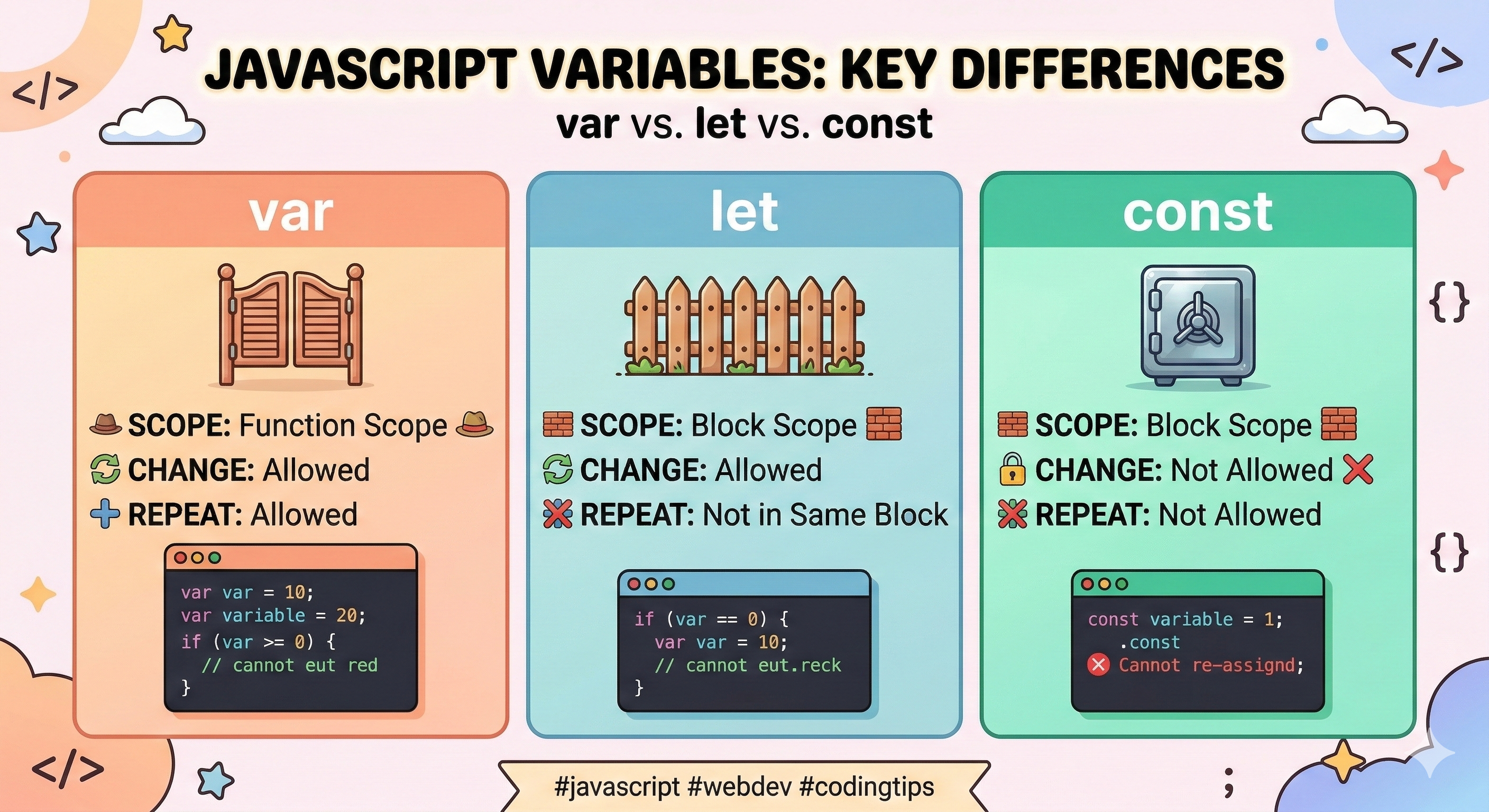
| Keyword | Value Can Change | Scope | Usage |
|---|---|---|---|
| var | Yes | Function scope | Rarely used today |
| let | Yes | Block scope | Use when value changes |
| const | No | Block scope | Use for fixed values |
Quick rule beginners use:
Use
constby defaultUse
letif value will changeAvoid
varin modern code
What is Scope?
Scope simply means where a variable can be used in the program.
Think of scope like a room.
If something is inside the room, it can only be used inside that room.
Visualization:
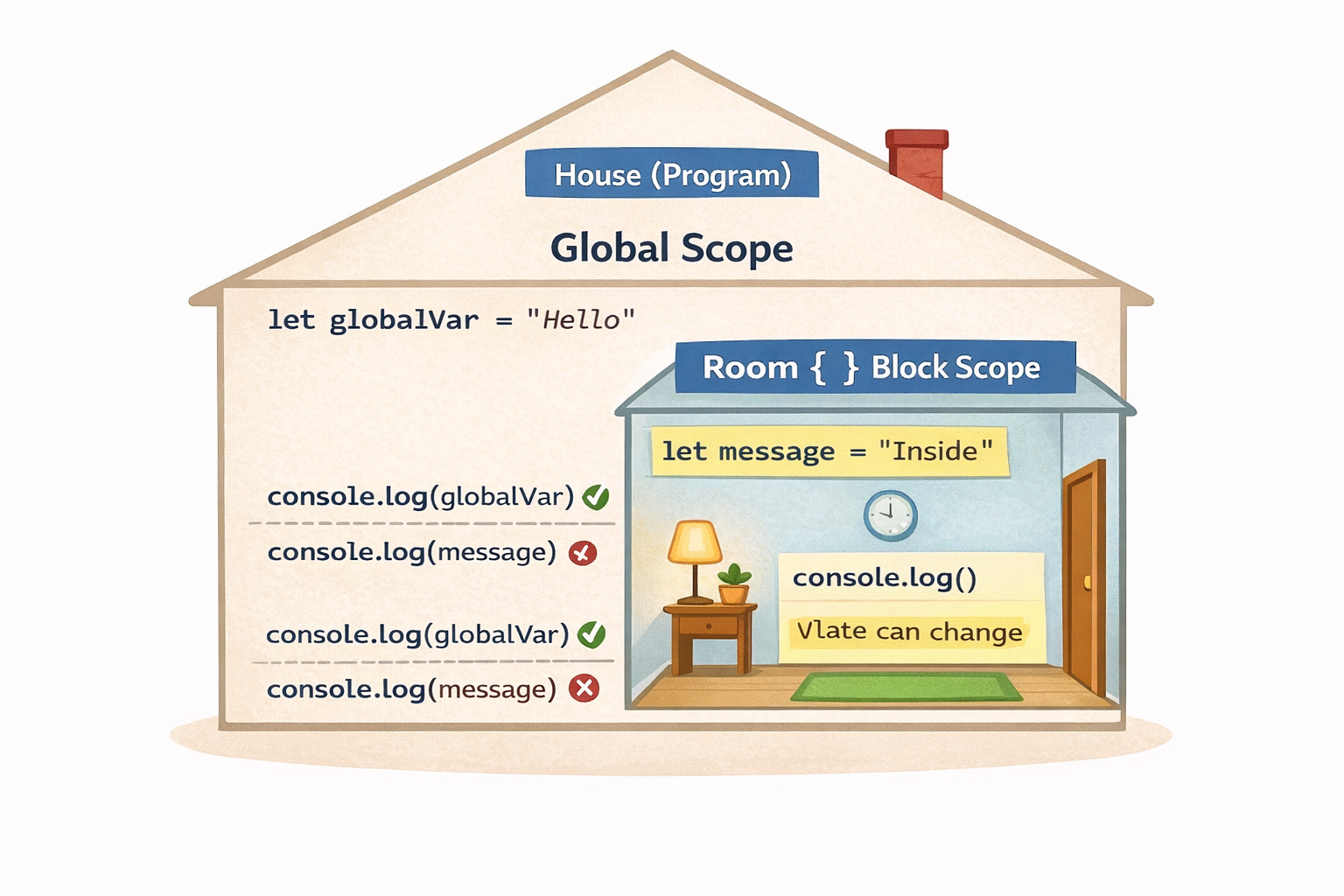
Variables created outside rooms belong to the global scope and can be used almost everywhere.
Variables created inside a room
{ }belong only to that block scope.Code outside the room cannot access variables inside it.
Example:
let globalVar = "Hello";

{
  let message = "Inside block";
  console.log(message); // works
}

console.log(globalVar); // works
console.log(message);   // Error
Why?
Because message exists only inside the block { }.
This is called block scope.
Small Practical Example
let name = "dnano";
let age = 23;
let isStudent = true;

console.log(name);
console.log(age);
console.log(isStudent);
Console output:
dnano
23
true
Assignment: Your First Script
Open your browser console (F12 -> Console) and try this:
Declare your variables:
JavaScript
let myName = "Jordan";
let myAge = 20;
let isStudent = true;
Print them:
JavaScript
console.log(myName, myAge, isStudent);Test the limits:
Try changing your age:
myAge = 21;(This will work!)Create a const:
const birthCity = "New York";Try changing it:
birthCity = "London";(Watch for the red error message!)
Key Takeaways
Variables store information in a program
letallows values to changeconstcreates fixed valuesJavaScript has primitive data types like string, number, boolean, null, and undefined
Scope defines where variables can be accessed
Conclusion
Variables are one of the most fundamental concepts in JavaScript. They allow programs to store, manage, and reuse data throughout the code.
In this article, we explored how variables work, the different ways to declare them using var, let, and const, and the common primitive data types used in JavaScript. We also looked at the basic idea of scope, which defines where a variable can be accessed in a program.
For beginners, a simple rule to remember is:
Use
constby defaultUse
letwhen the value needs to changeAvoid
varin modern JavaScript
Once you become comfortable with variables and data types, many other JavaScript concepts will start making much more sense. These basics act as the foundation for writing clear and efficient programs.
In the next step of your JavaScript journey, you’ll likely start working with operators, conditions, and functions, where variables play an important role in controlling program behavior.


